There's a category of knowledge that never makes it into a CLAUDE.md: what you actually did.
The feature you added last week, and the small decisions you made about its shape along the way. The approach you settled on for a tricky change after trying two others first. The library you evaluated and rejected, and what tipped the decision.
None of this belongs in a rules file. It's history, not policy. But all of it changes what a good answer looks like the next time you touch that code, or write code somewhere else that has to match it.
Claude Code keeps its own notes, but they stay with the project they were written in, and most real work spans more than one. Switch repos, and Claude starts from zero.
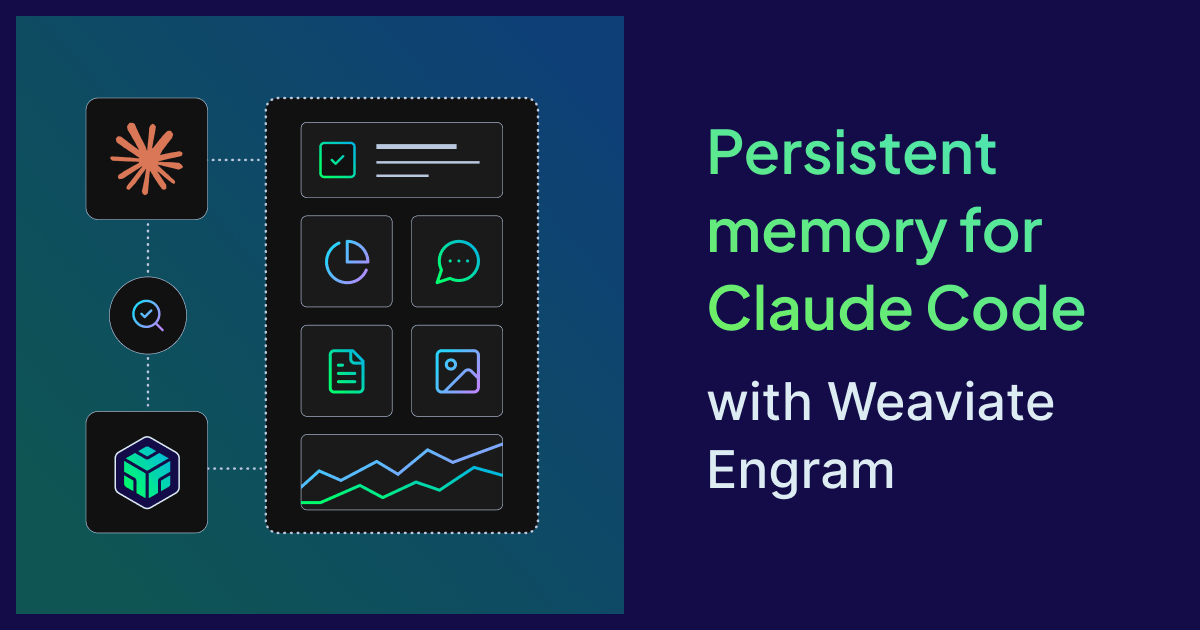
That's why we built the Engram plugin for Claude Code. It gives Claude a long-term memory that isn't tied to any one repo or session. What you do in one place is remembered, and recalled wherever it becomes relevant again. You install it once, and it catches exactly this layer.
How it feels
You install the plugin and keep working. Nothing visibly changes on day one. A few sessions later, it starts to.
Across sessions
You've solved this before.
Maybe it was a while ago. Maybe it was in this repo, maybe a different one. You added rate limiting to one service and picked a particular approach after some back and forth. Now you're adding rate limiting to another service, and you've half forgotten what you settled on and why.
Claude hasn't. It recalls the earlier change and suggests the same approach, or points out that this case is similar and proposes a variation. Your codebases drift toward consistency without you having to hold every past decision in your head.
Across codebases
Most features don't live in one repo. You add an endpoint to the API, and then, later that week, you open the frontend repo to wire it up.
Without memory, that second session starts cold. The endpoint lives in a different repo, and Claude may not know it exists. You either describe it again, its path, the shape of the request, which fields are optional, and probably get some of it slightly wrong. Or you point Claude at where the API code lives and wait while it reads its way back to what you already knew.
With the plugin, you open the frontend repo, ask Claude to add the feature, and it already knows. It remembers the endpoint you built, the shape of the response, and the decisions you made along the way, because it was there when you made them.
Across people
Memories don't have to be yours alone. Depending on how you set up topics in your Engram project, some can be shared across a team.
Say you work on the frontend, and an endpoint was added earlier in the week by a backend developer. With a shared topic, their session is where the memory was made, and yours is where it's recalled. You ask Claude to wire it up, and it already knows what they built and why.
That's the whole product. Claude gets a little more like a colleague who's been on the project for a while.
How it works, briefly
The plugin hooks into two moments in a Claude Code session.
Before Claude answers, it searches Weaviate Engram for memories related to the prompt you just typed and passes the relevant ones along as context. Memories are compressed into short, distilled notes rather than raw conversation, so recall stays light. Recall is silent by design. You'll only notice it when Claude uses a memory, and when it does, it says so.
After Claude answers, it saves the exchange: your message and Claude's reply. Engram does the work of turning raw conversation into memories worth keeping. There is no "remember this" command and no ritual. Memory is a side effect of working.
What it won't do
It won't interrupt you. Memory is strictly best-effort. If your API key is wrong, the network is down, or something is misconfigured, the session carries on exactly as it would without the plugin. When something does need your attention, Claude adds a short Engram · … note at the top of its reply and then answers normally. Fix the cause and the note disappears on its own.
It won't slow you down. Saving happens asynchronously after Claude finishes, so it never delays your next prompt.
A little bit about Engram
Engram is Weaviate's memory server for LLM agents and applications. You send it conversations, and it extracts, transforms, and stores the parts worth keeping as memories, using vector embeddings and LLM-powered processing. Those memories are then searchable through a REST API and a Python SDK.
The Claude Code plugin is one way to use it. The same memory can sit behind your own agents and apps, too.
Getting started
Engram is free for up to 1,000 runs per month, so you can try it on your own projects before deciding anything. Create a project at console.weaviate.cloud/engram and copy the API key. Export it in your shell, or in a profile like ~/.zshenv so it persists:
export ENGRAM_API_KEY=...
Then, inside a Claude Code session:
/plugin marketplace add weaviate/engram-plugins
/plugin install engram@weaviate-engram
Memory starts working on your next prompt.
Then go back to work. This time, what you did will stick.
Want to go further?
- Read the plugin docs for the full reference, including how to tailor scoping to your team.
- Explore the Engram docs to add memory to your own agents and apps.
- Found a bug or have an idea? Open an issue on GitHub.
Ready to start building?
Check out the Quickstart tutorial, or sign up for a free Weaviate Cloud account.